New in Backstage: four updates in September
Conversion tracking for your links, a minimum age per event, a price calculator with the final price, and images for tickets and extras.
- Published
- Topic
- Product
A lot is happening in Backstage again. Here are the four most important changes.
Conversion tracking for your links.
For each link, for your campaigns for example, you now see what it brings in: clicks, conversions and revenue, broken down by event. You create links right in Backstage, edit, duplicate or archive them, with a short tracking URL that is easy to share. So you see in black and white which channel really sells.
A minimum age for your events.
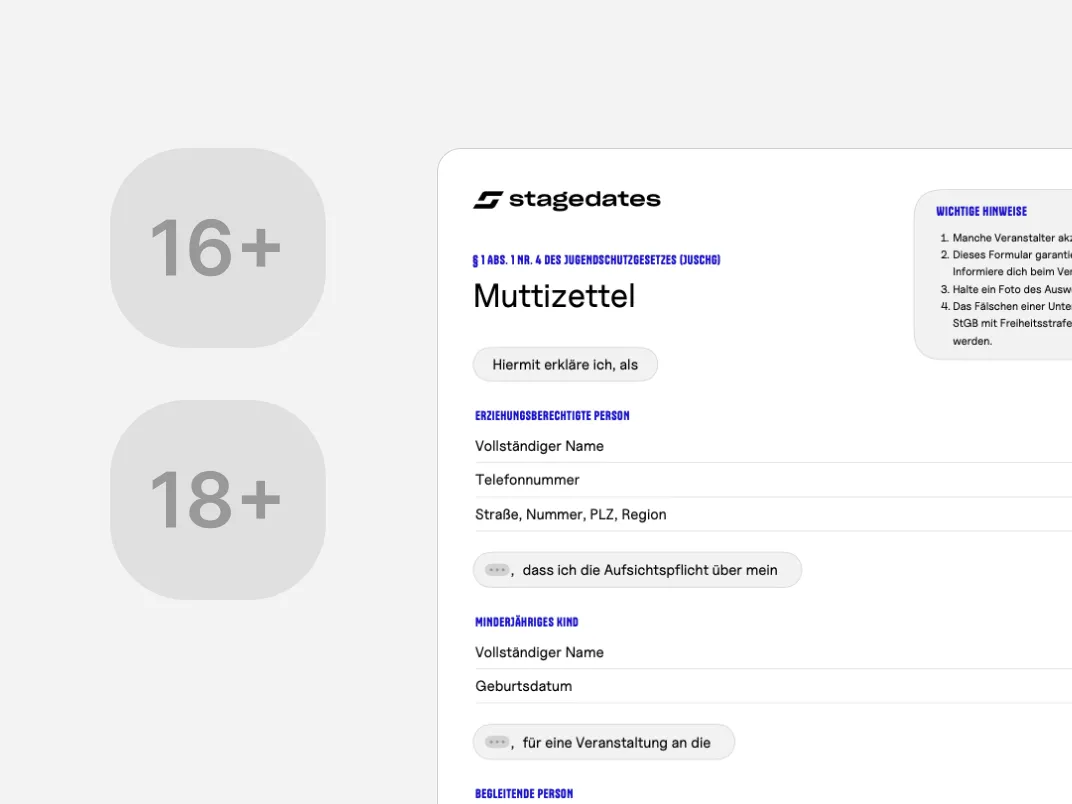
You can now set a minimum age per event. It shows in the event details, on the tiles and right on the ticket, so your guests know from the start. Next up is a parental consent form to download.
The price calculator shows the final price.
Next to the base price, the price calculator now also shows you the final price your guests pay, and works out contingent and revenue live. No more doing the maths yourself.
Images for tickets and extras.
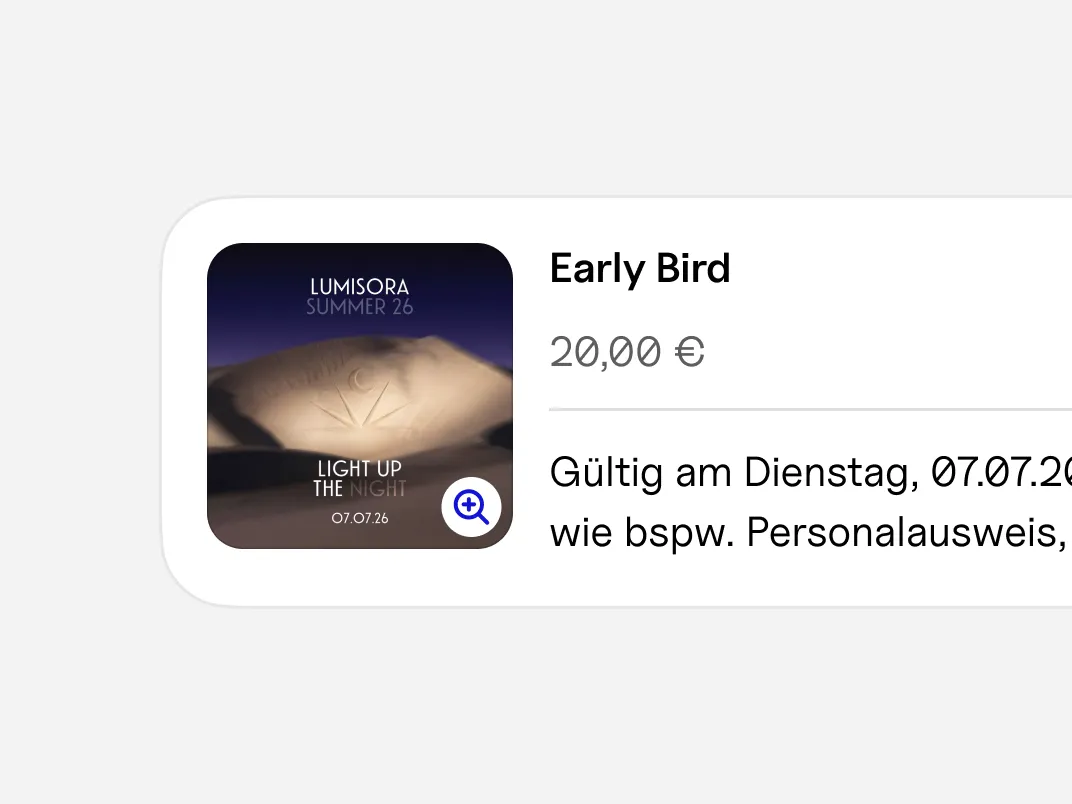
For every product, ticket or extra, you now upload an image and crop it with the familiar tool. The image shows in the product selection in the shop, and your guests can enlarge it before they buy.
All four come to Backstage on the web first; the Backstage app follows later.
Questions or feedback? Get in touch with your contact person. Every change, with its version number, is on Latest updates.