New in Backstage: ticket design and contingents
Your tickets in your event’s look, several products in one special contingent, and quantities per order.
- Published
- Topic
- Product
This time it is about your design: your tickets now carry your event’s look, and special contingents get a lot more flexible.
Ticket design in your event’s look.
You now design your PDF and wallet tickets yourself. Pick a light or a dark theme or set the background and heading colours freely, add a wide cover image and your sponsors with logo and link. A live preview shows every change at once, for PDF, Apple Wallet and Google Wallet.
Several products per special contingent.
You can now assign several products to a special contingent instead of just one. You pick them with a multiple selection and set a contingent and a price of its own for each, in Backstage and in the Backstage app. That way you bundle your offers in one channel and still keep every product in hand.
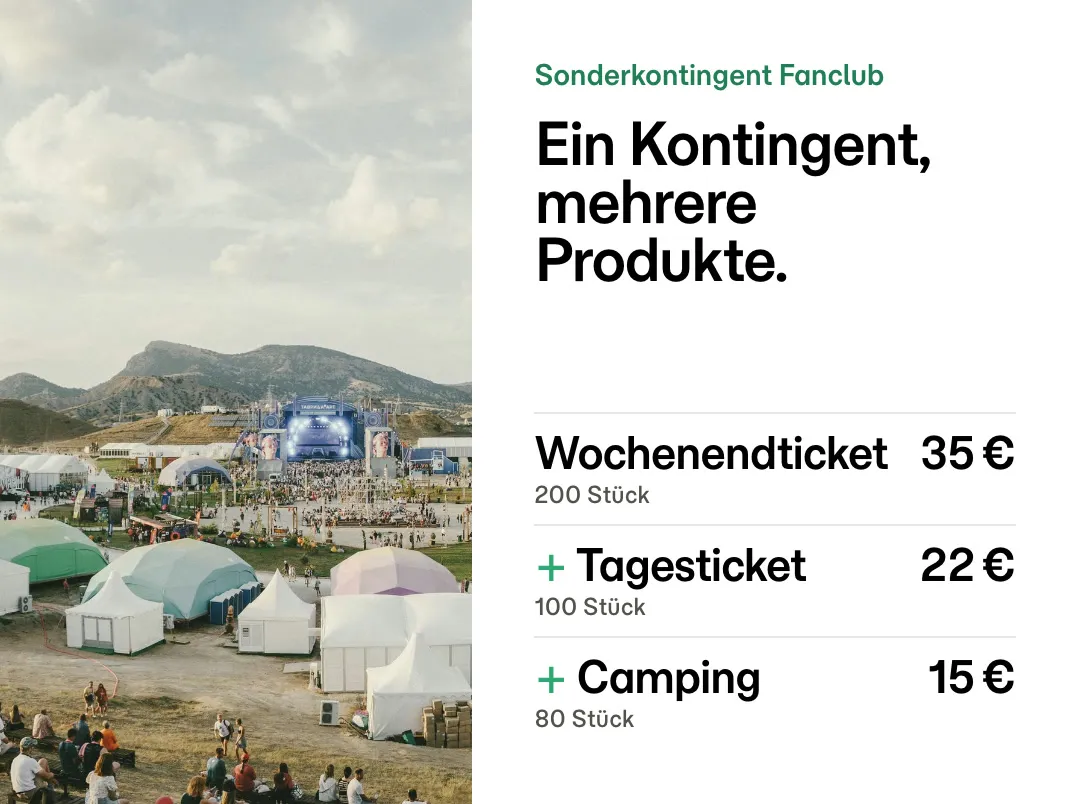
More control over your special contingents.
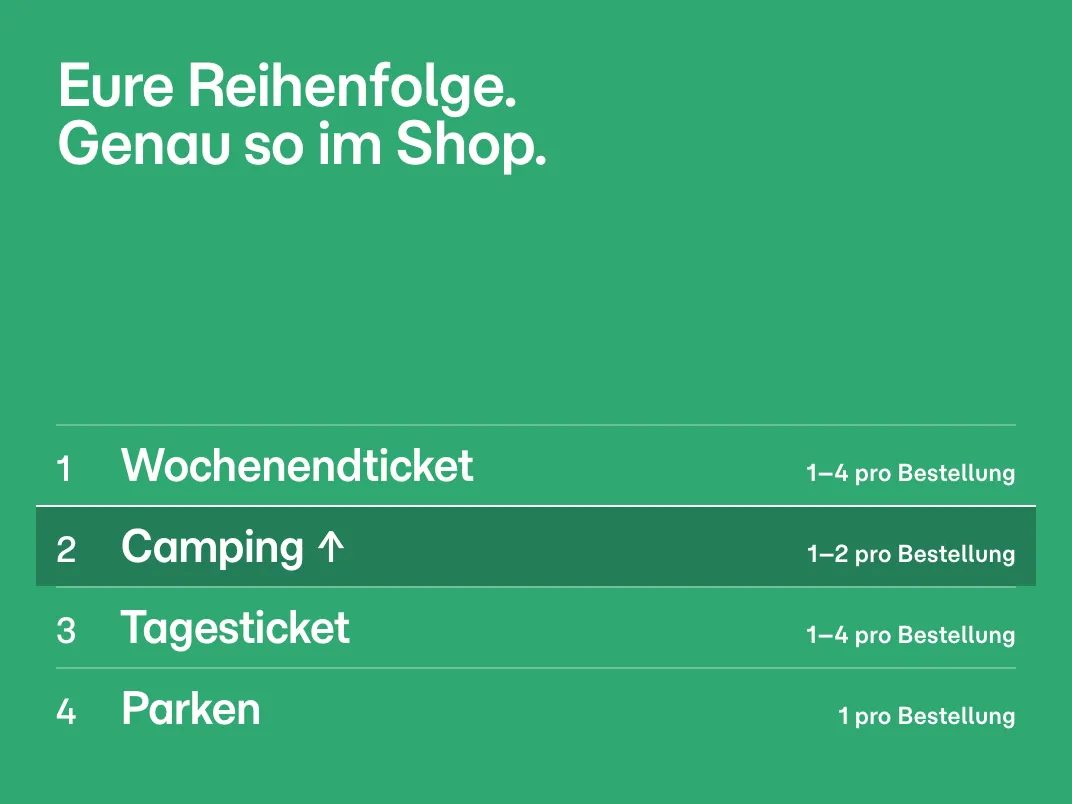
You decide in which order your products appear, and that is exactly how your guests see them in the shop. In the Backstage app you also set minimum and maximum quantities per product, which the cart takes into account on its own. And once a special contingent has expired, the button in the shop now says so correctly.
Questions or feedback? Get in touch with your contact person. Every change, with its version number, is on Latest updates.